v0.3.0 is the daily-driver release. The features here are the ones you’ll bump into in normal use — writing comments, getting paged on assignments, spelling ticket refs to a vendor on the phone, cleaning up a backlog with admin bulk actions.
Markdown editor for comments and descriptions
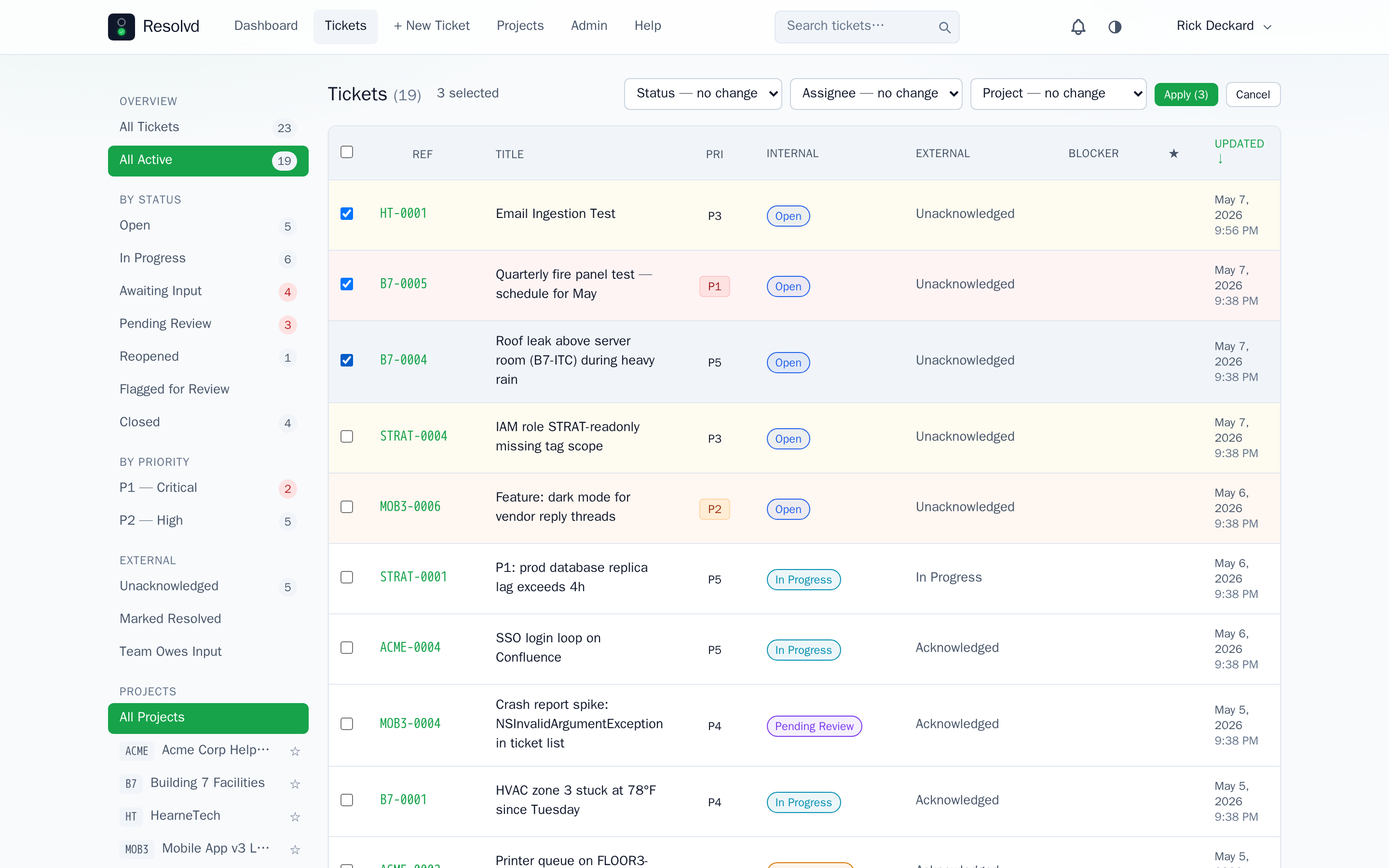
Comment bodies and ticket descriptions support GitHub Flavored Markdown. The editor now has Write and Preview tabs with a formatting toolbar — Bold, Italic, Inline code, Code block, Heading, Bullet list, Numbered list, Blockquote, Link.
Keyboard shortcuts: Ctrl+B bold · Ctrl+I italic · Ctrl+` inline code · Ctrl+Enter post comment.
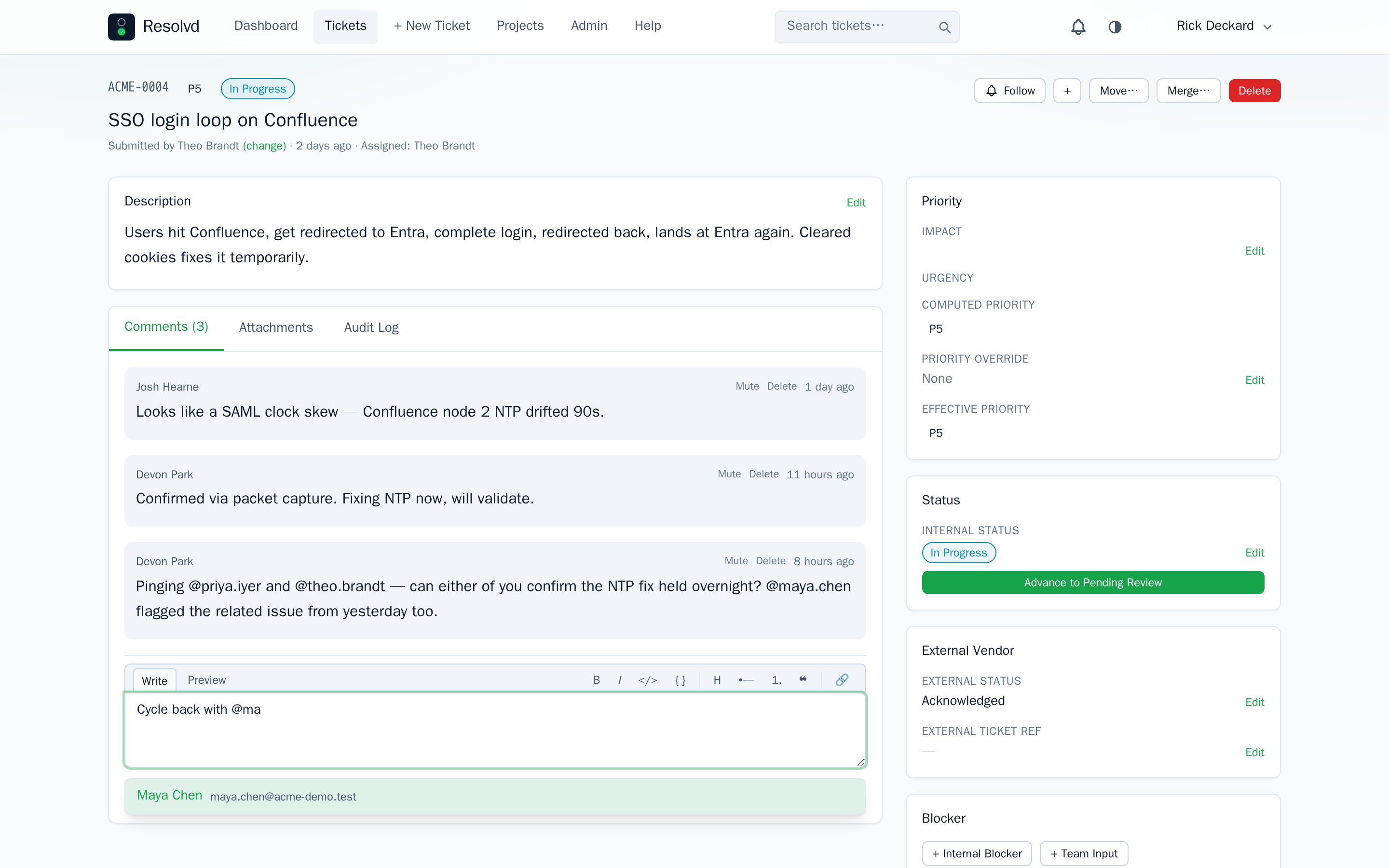
On mobile, the toolbar collapses to the most-used tools (Bold, Italic, Code, Code block, Bullet list); the full toolbar is available at sm: breakpoint and wider. The textarea stays mention-aware — @first.last autocomplete works inside the markdown editor.
Outbound emails render markdown server-side so vendor recipients see formatted bodies, not raw asterisks.
How to use: Write Markdown in any comment box. Preview tab to verify rendering before posting.
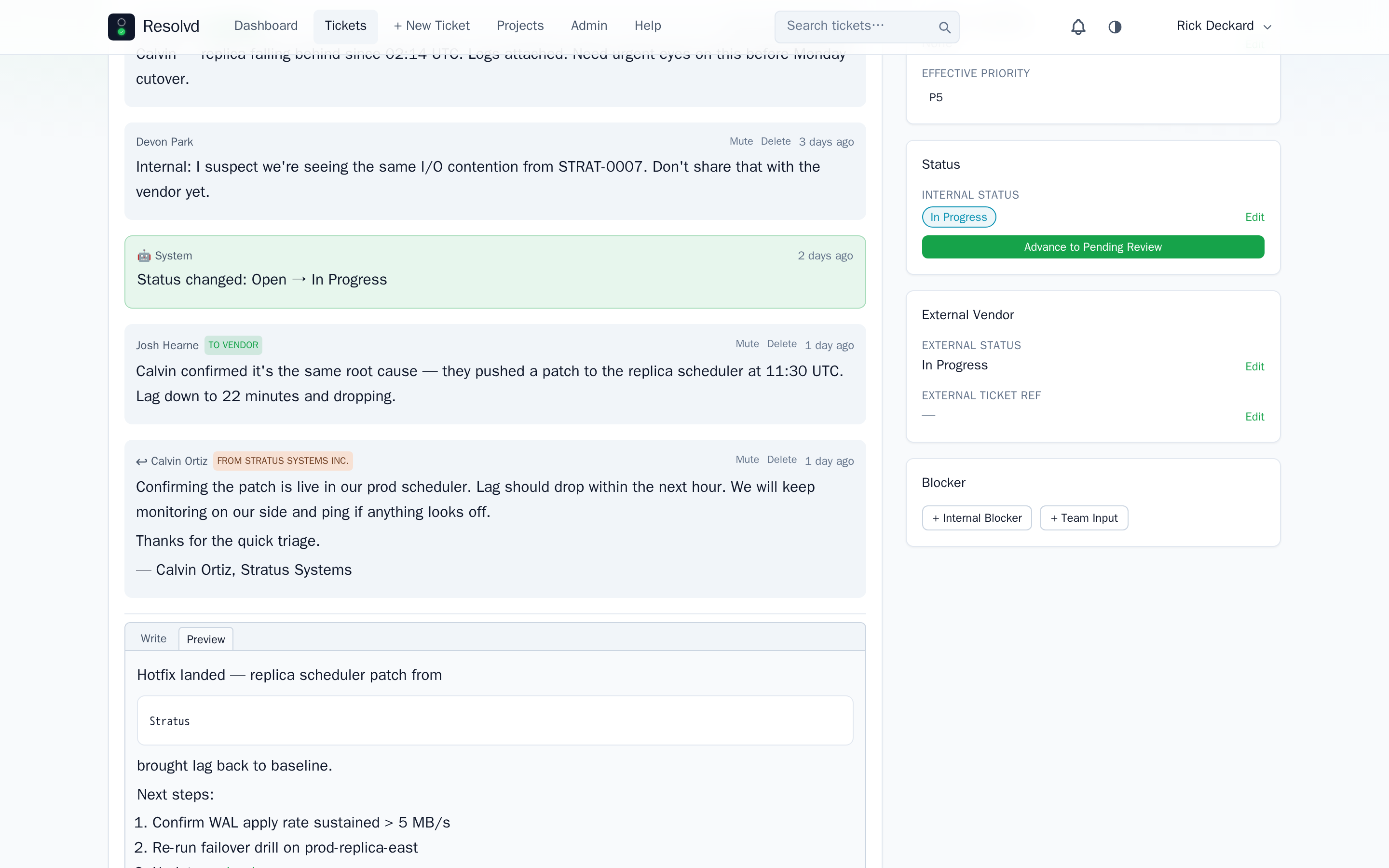
Browser push notifications
Web Push fan-out via VAPID + service worker (frontend/public/sw.js). Per-user prefs push_on_assignment and push_on_mention (default off). Subscriptions live in push_subscriptions and are multi-device — each browser is its own row. Stale endpoints (HTTP 410 Gone from the push service) are auto-pruned on next send.
Setup needs three env vars: VAPID_PUBLIC_KEY, VAPID_PRIVATE_KEY, VAPID_SUBJECT. Generate once with npx web-push generate-vapid-keys. When unset, push silently no-ops; in-app and email channels are unaffected. HTTPS is required for browsers to register a service worker — Cloudflare Tunnel or a real cert works.
How to use: Account Settings → Preferences → Browser notifications. First enable prompts the browser for notification permission and registers a Web Push subscription per device.
NATO phonetic readback
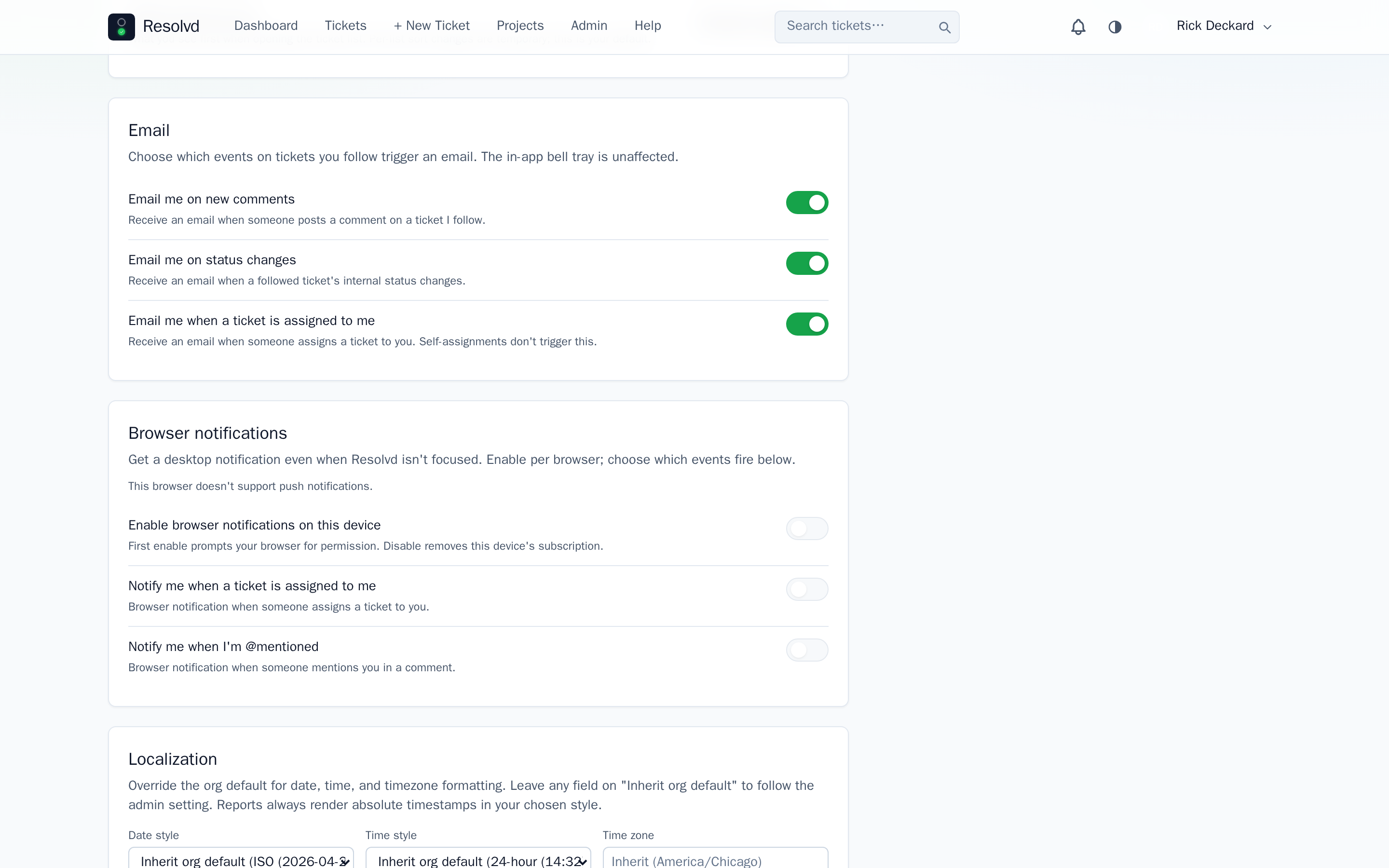
Hover or focus a ticket reference (e.g. WEB-0079) and a popover spells it out — “Whiskey Echo Bravo · 0 0 7 9”. Letters become NATO words; digits and dashes stay as-is. For desk technicians on phone calls with vendors or support, no more “W like William, E like Echo, B like…”.
Gated by org toggle branding.phonetic_readback_enabled (default ON) and per-user pref phonetic_readback (default ON). Either OFF renders the ref verbatim. Wired on the TicketDetail header ref and the TicketList ref column.
For phonetic spelling outside the app — serial numbers, license plates, confirmation codes — pair with AlphabetSoup, a standalone NATO parser by the same team.
How to use: Hover any ticket ref in the UI. Toggle via Admin → Branding (org-wide) or Account Settings → Preferences (per-user).
Bulk ticket edit (admin)
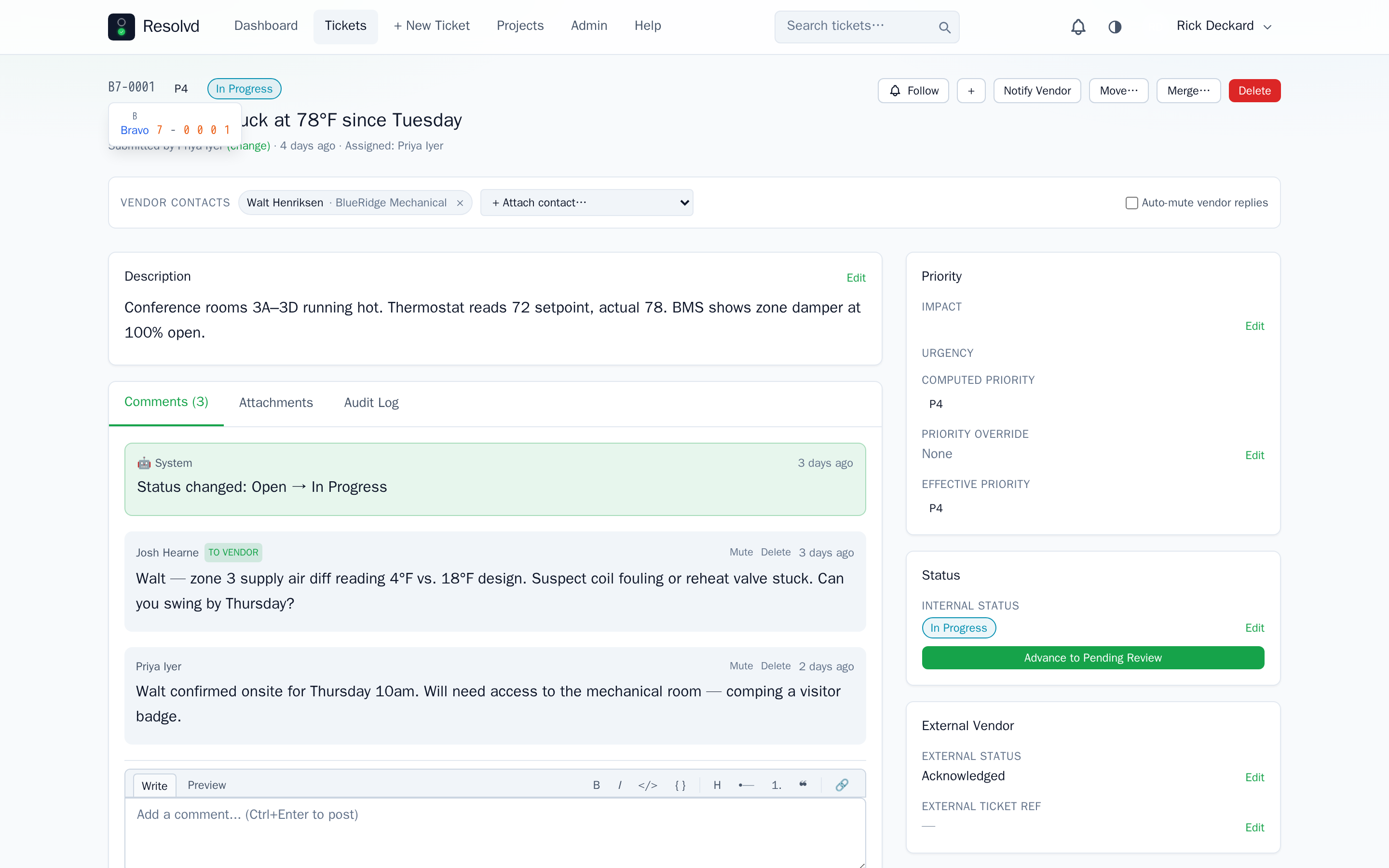
A new Bulk Edit button next to the “Tickets (##)” header swaps the search bar + New Ticket button for an action bar (Status / Assignee / Project) and adds a checkbox column. Select up to 500 rows, pick the fields to change, hit Apply.
POST /api/tickets/bulk (Admin only) updates each ticket in its own transaction (one failure doesn’t roll back the batch), audits each change, and fires notifyStatusChange + notifyAssignment fan-out gated by recipient prefs. Vendor outbound is intentionally skipped to avoid bulk noise — fire per-ticket if needed. Project moves re-issue internal_ref and detach vendor contacts (mirrors single-move semantics).
How to use: Admin → tickets list → Bulk Edit toggle → select rows → action bar → Apply.
Comment + notification polish
A pile of UX wins ride along:
- @mention autocomplete dropdown — typing
@in a comment box opens a project-scoped dropdown. Up/Down to navigate, Right or Enter to inject, Escape to dismiss. Token format:@first.lastderived from the user’s display name. - In-app notifications visible to all roles — Admin, Manager, Submitter, Viewer, and Support all see the bell. Clicking a notification navigates to the relevant ticket; mention notifications scroll to and flash the specific comment.
- Send-As modal — Notify Vendor + vendor-visible comments now open a modal to pick the sender identity (replaces the click-event-as-send_as bug fix).
- Per-company notification prefs — each company under Admin → Companies has toggles for status-change notifications, status filtering, ticket-resolved, and ticket-reopened.
new_ticketandnew_commentalways send because those are explicitly triggered by staff. - Help docs page — built-in
/helproute gives role-aware documentation for every section. Filtered to the logged-in user’s global role; restricted features show access-denied banners rather than being hidden. - Hybrid timestamp tooltips —
<HybridTime>wrapsformatHybridwith atitle=carrying the absolute value in the user’s chosen style. - Per-user locale overrides —
date_style_override/time_style_override/timezone_overrideprefs let a user override the org-wide branding default. - Mobile ticket header — title block stacks above toolbar on
<sm, secondary actions (Notify Vendor / Move / Merge / Delete) collapse into a kebab popover.
How to use: Most are automatic. Notification prefs land at Admin → Companies → {company}. Locale overrides at Account Settings → Preferences → Localization.
Full changelog
v0.3.0 on GitHub has the complete commit list. This post covers the headline features; smaller wins live in the changelog.